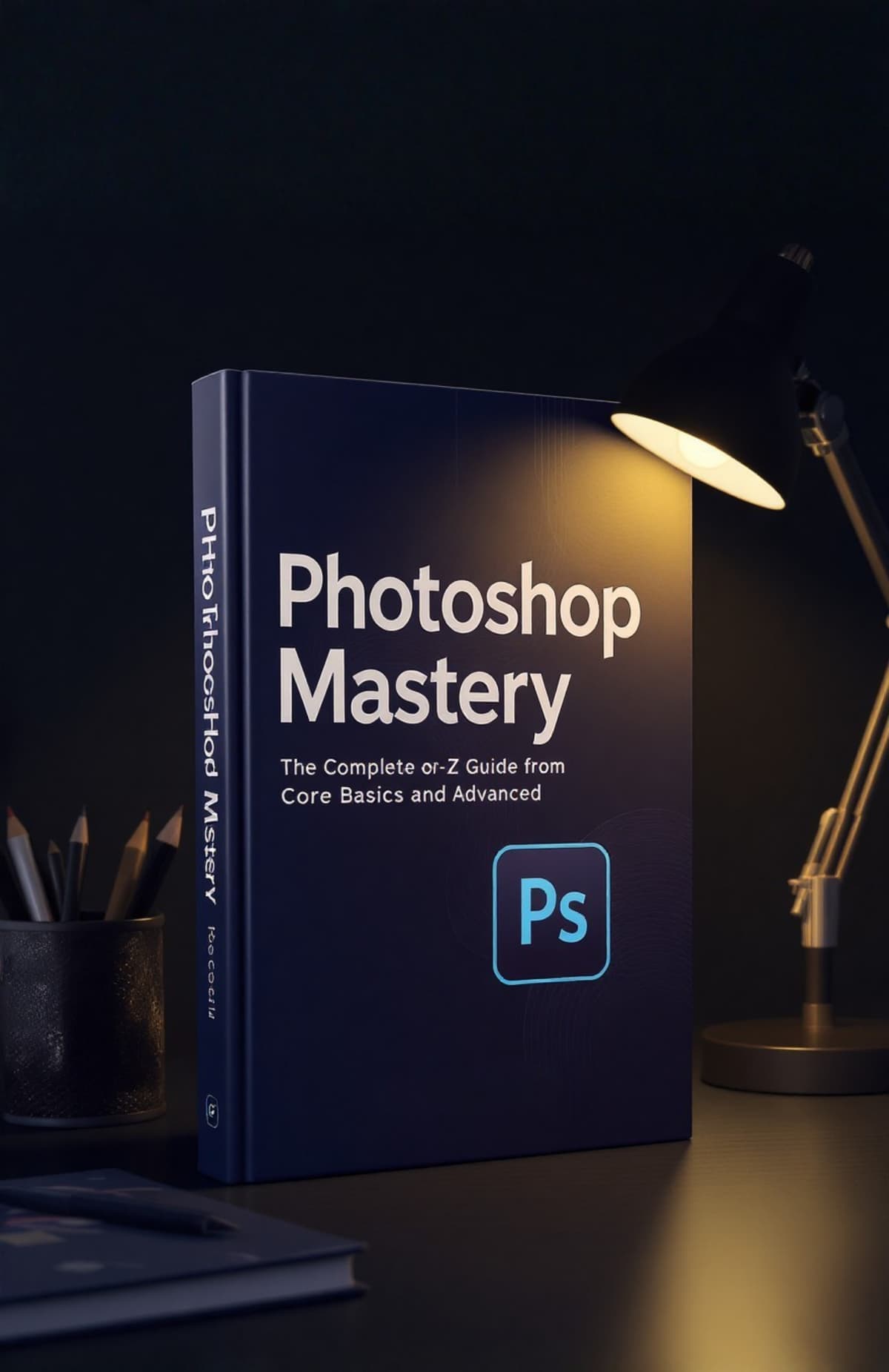

Photoshop Mastery:The Complete A – Z Guide from Core Basics to Advanced

Featured-image

Photoshop Mastery:The Complete A – Z Guide from Core Basics to Advanced

Learn Photoshop the Right Way - Without Confusion, Fear, or Random Guessing If Photoshop feels overwhelming, messy, or too technical…this ebook was written for you.

  • 👉 Beginner-friendly.
  • 👉 Practice-based.
  • 👉 Real professional workflow Are You Facing These Problems?
  • 👉 Be honest with yourself: Too many tools, but no clarity on what to use You watch tutorials, but still feel stuck Your edits don’t look clean or professional.

You are afraid to try advanced tools You don’t know correct file sizes, exports, or settings
One mistake ruins your entire work You’re not bad at Photoshop. You were just never taught properly.
— This Ebook Fixes That…

Whether you're a total beginner or stuck in semi-auto feature.

This guide finally gives you full control of Photoshop settings — and Make you what other calls a real photoshop Master.

Unlike confusing YouTube tutorials, this ebook uses:

  • ✔ Simple human examples
  • ✔ Clear step-by-step workflows
  • ✔ Real-world situations
  • ✔ Beginner-friendly language
  • ✔ Action items you can try instantly

By the end, you won’t guess your settings…

you'll choose them. With confidence.

photography-image

💡 WHAT YOU'LL LEARN (Key Highlights)

📍Introduction – Why Photoshop Feels Hard (And Why It’s Not)

Understand why most beginners feel overwhelmed by Photoshop and how confusion is created by wrong learning methods—not by lack of talent. This section resets your mindset and shows you how to learn Photoshop calmly and correctly from day one.

📍Chapter 1: Understanding Photoshop Interface (Without Confusion)

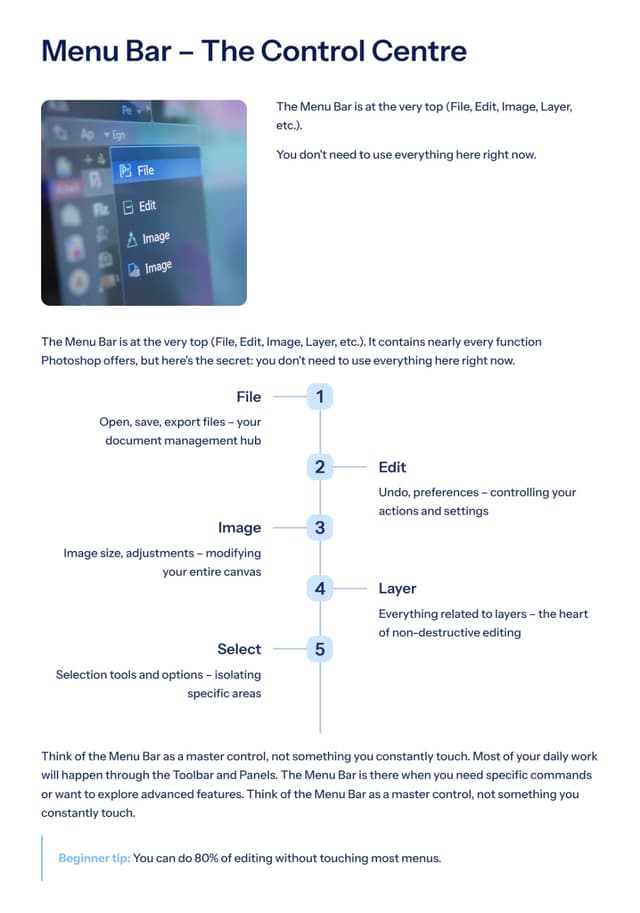
Learn the Photoshop workspace in a simple, logical way. This chapter explains panels, tools, menus, and layouts so you always know where things are and why they exist, without memorizing everything at once.

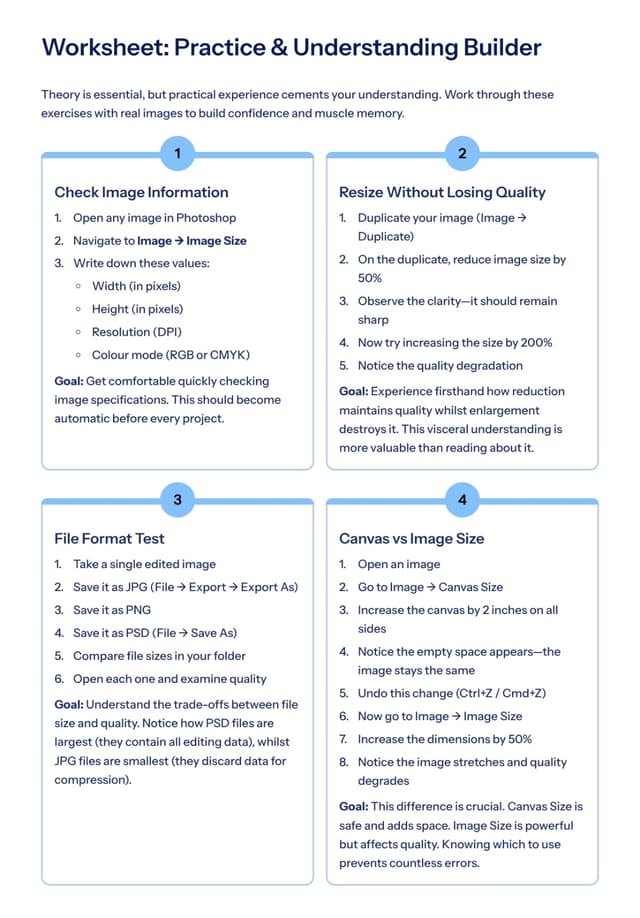
📍Chapter 2: Files, Sizes & Quality (Most Ignored but Most Important)

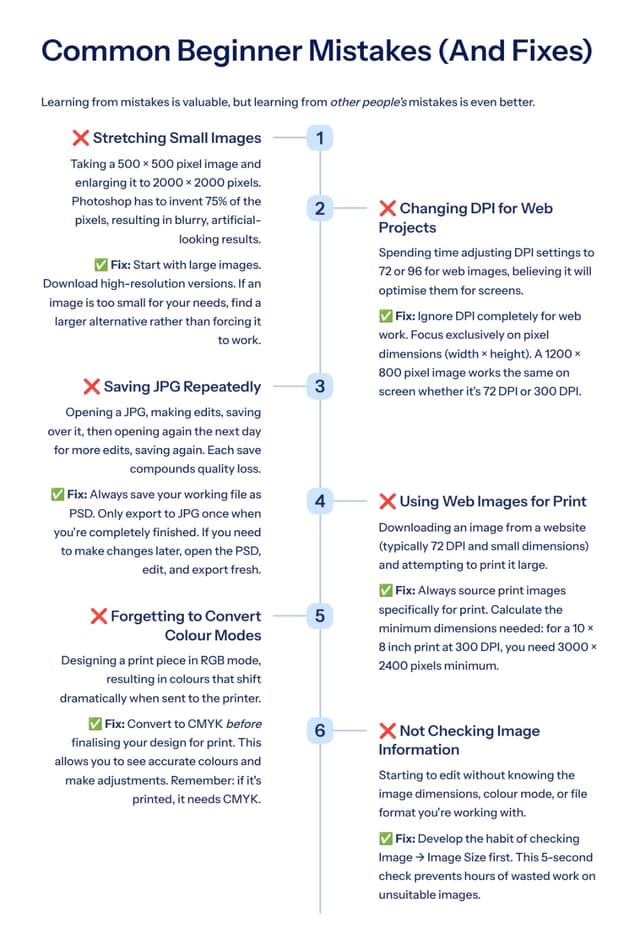
Discover how image size, resolution, DPI, and color modes affect quality. This chapter teaches you how to avoid blurry images, pixelation, and wrong exports before you even start editing.

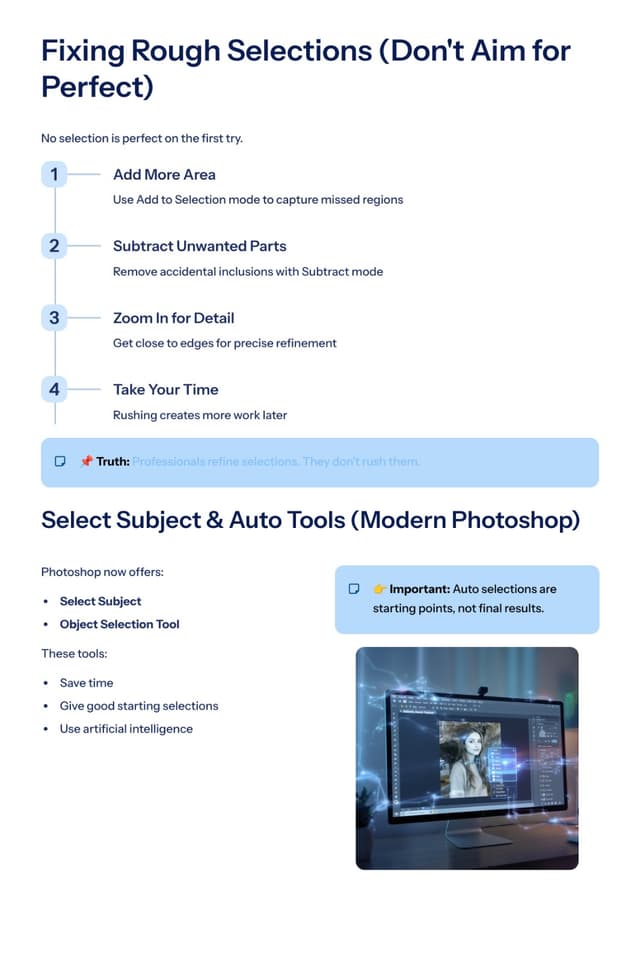
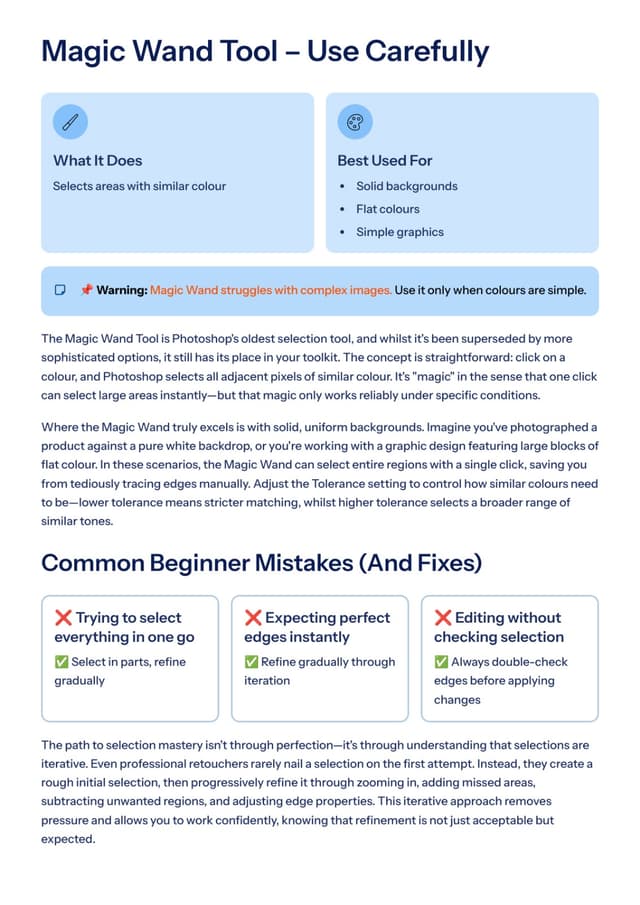
📍Chapter 3: Selections – The Heart of Photoshop

Selections are the foundation of every good edit. Learn all selection tools, when to use each one, and how to create clean, accurate selections that make your edits look professional.

📍Chapter 4: Layers Made Simple

Understand layers without fear. This chapter explains how layers work, how to organize them, and how to avoid common beginner mistakes that slow down your workflow or ruin files.

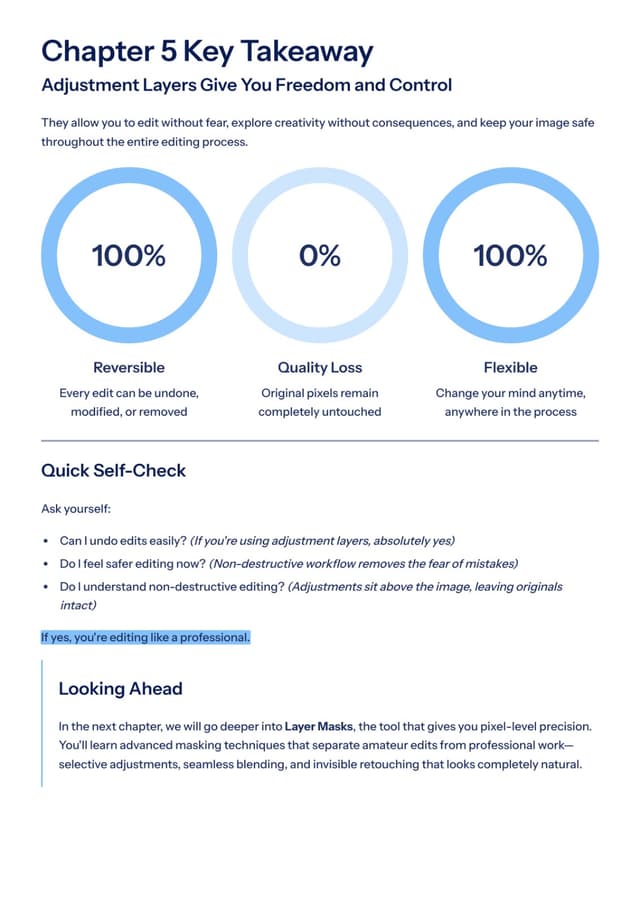
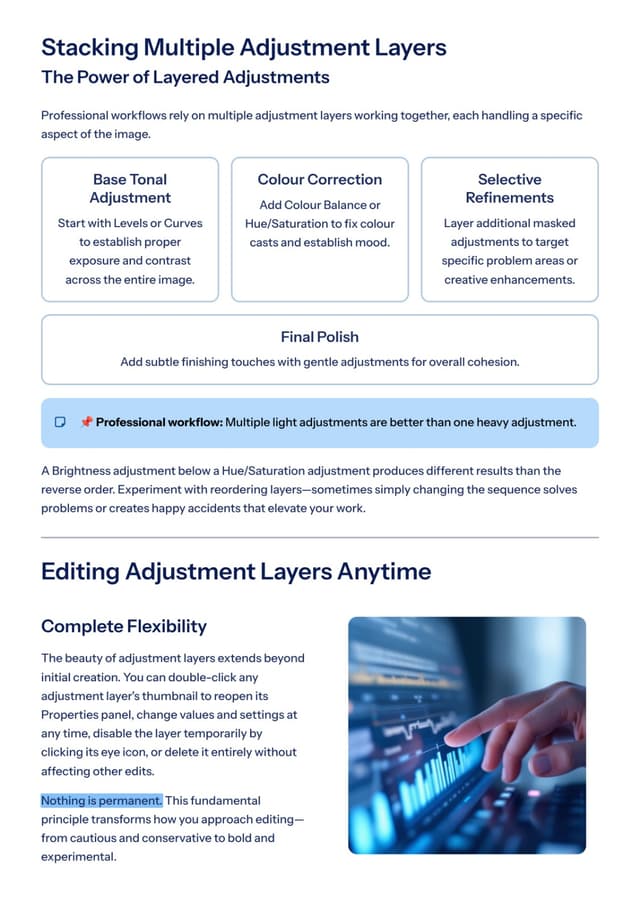
📍Chapter 5: Adjustment Layers (Edit Without Damage)

Learn how professionals edit without damaging images. This chapter shows how to control brightness, contrast, color, and tones using adjustment layers that are safe, flexible, and reversible.

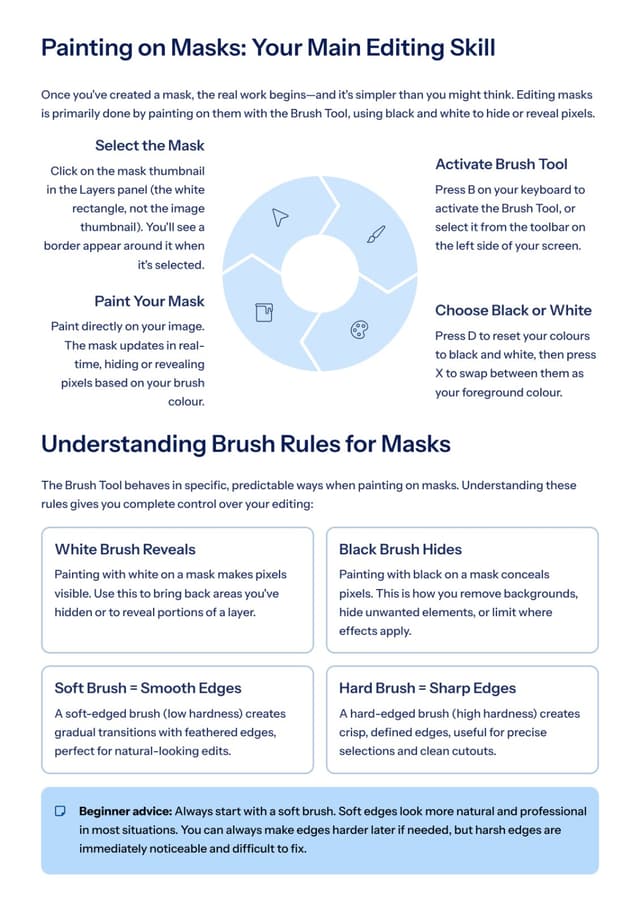
📍Chapter 6: Masks – Editing Without Erasing

Master layer masks and clipping masks so you can hide, reveal, and control edits without deleting anything. This chapter builds confidence and removes the fear of making irreversible mistakes.

📍Chapter 7: Photo Retouching (Clean & Natural Look)

Learn how to retouch skin, portraits, and objects while keeping results realistic. This chapter focuses on clean, natural edits—not over-edited or fake-looking images.

📍Chapter 8: Color Correction & Color Grading

Understand the difference between fixing colors and styling them. Learn how to correct color problems and apply cinematic or professional color grades with full control and consistency.

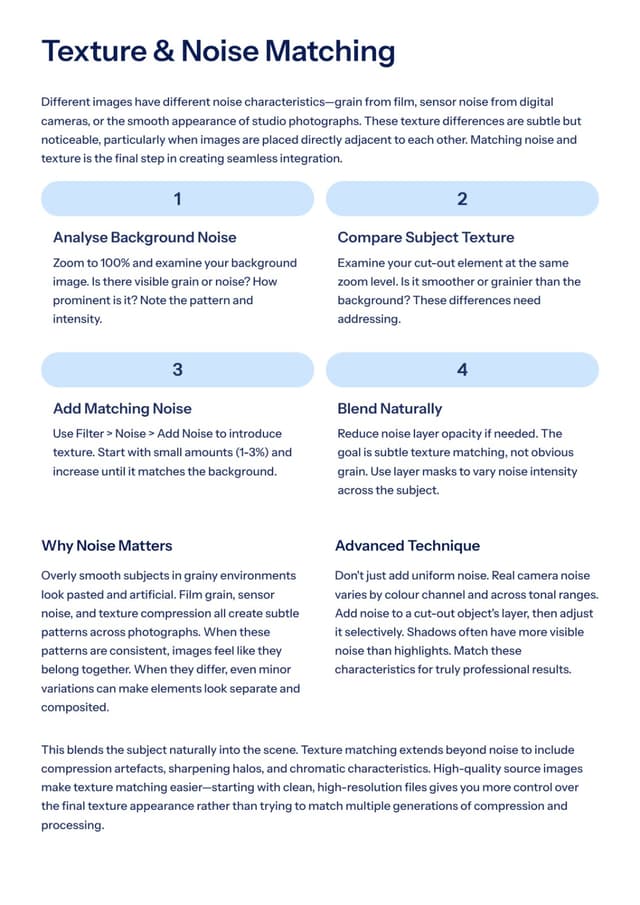
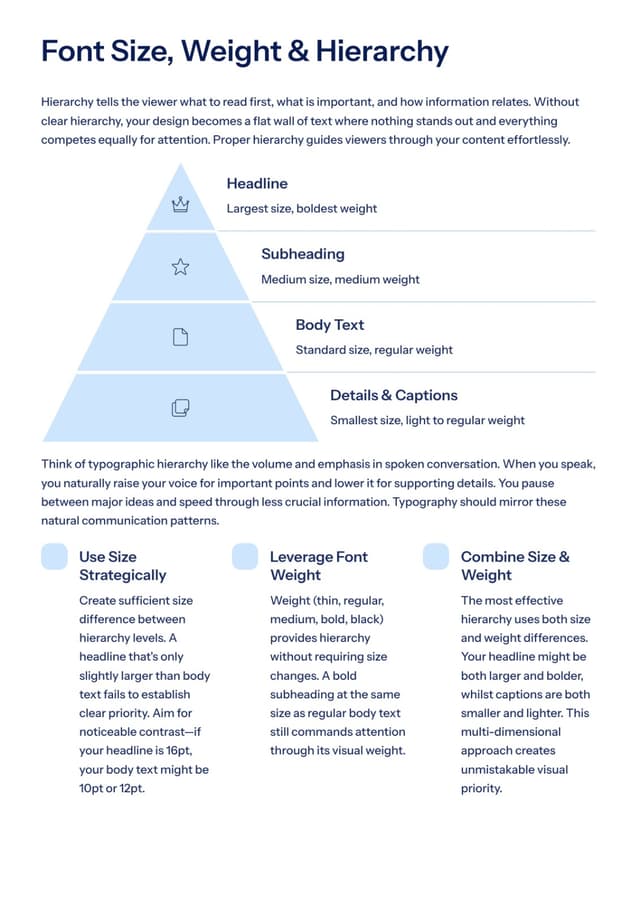
📍Chapter 9: Text & Typography in Photoshop

Learn how to work with text properly—fonts, spacing, alignment, and hierarchy. This chapter helps you design readable, balanced, and visually pleasing text for posts, banners, and ads.

📍Chapter 10: Image Manipulation & Composites

Combine multiple images into one realistic scene. Learn how to match lighting, perspective, shadows, and colors so your composites look believable and professional.

📍Chapter 11: Brushes, Patterns & Custom Assets

Discover how to use and create brushes, patterns, and custom assets to speed up your work. This chapter shows how to build a personal asset library that saves time and improves creativity.

📍Chapter 12: Filters & Effects (Use Wisely)

Learn how to use filters and effects without ruining your image. This chapter teaches restraint, control, and smart usage so effects enhance your work instead of overpowering it.

📍Chapter 13: Advanced Selections & Refinements

Take selections to the next level. Learn hair selection, edge refinement, background removal, and difficult object cut-outs using advanced tools and smart techniques.

📍Chapter 14: Smart Objects & Non-Destructive Workflow

Understand Smart Objects and how professionals use them to work faster, safer, and more efficiently. This chapter helps you future-proof your edits and reuse designs easily.

📍Chapter 15: Automation & Speed

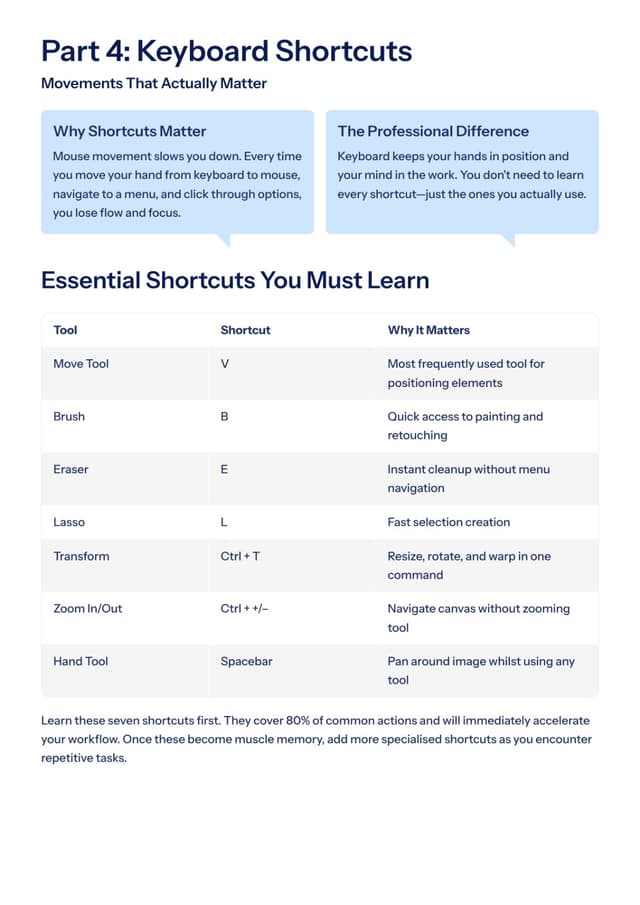
Learn how to work faster without stress. This chapter covers actions, batch processing, essential shortcuts, and time-saving habits used by professionals.

📍Chapter 16: Photoshop for Social Media

Design content that actually works on social platforms. Learn correct sizes, layouts, export settings, and workflows for Instagram posts, thumbnails, and ad creatives.

📍Chapter 17: Photoshop for Business & Freelancing

Learn how to work like a professional. This chapter covers client-ready files, handling revisions, file naming, organization, and common beginner mistakes that hurt credibility.

📍Chapter 18: Exporting & Saving Correctly

Learn the right way to save files. Understand JPG vs PNG vs PSD, web vs print exports, and how to compress images without losing quality.

📍Chapter 19: Common Photoshop Problems & Fixes

Solve real-world problems like lag, crashes, scratch disk errors, and large file issues. This chapter helps you stay productive instead of frustrated.

📍Chapter 20: How to Practice & Improve Faster

Learn how to build skill consistently. This final chapter covers daily practice routines, learning mindset, mistakes to avoid, and how to become confident—not perfect.

A universal workflow that works for any type of Images.


photography-image

🎁BONUS: PRACTICE PROJECTS INCLUDED

😎 Learning without practice is incomplete.

That’s why this ebook includes:

🎉Bonus 1: Real-world practice projects

🎉Bonus 2: Step-by-step worksheets

🎉Bonus 3: Hands-on exercises after every major chapter


🔥WHO THIS EBOOK IS PERFECT FOR


✔ Complete beginners

✔ Self-taught editors

✔ Freelancers

✔ Content creators

✔ Students

✔ Business owners

✔ Anyone who wants consistently perfect Editing

If you want clarity, confidence, and clean results — this is for you 😎.

photography-image

Ebook Details

📥 Download Your Ebook & Take Full Control of Your Camera


Ebook pages - 290 pages of Detailed Explaination with Practical Guide..!


👉 Stop guessing. Start creating. BUY NOW 🔥

Get this ebook today for Just ₹997

Instant download

Beginner friendly

Lifetime access 🎉

12K + Happy Customer 🥳

Sample Pages of Ebook
Photoshop preview
Photoshop preview
Photoshop preview
Photoshop preview
Photoshop preview
Photoshop preview
Photoshop preview
Photoshop preview
Photoshop preview
Photoshop preview
Photoshop preview

Testimonials

I finally understand what Aperture and Shutter Speed actually DO.

Shivansh

“Every beginner should read this before buying expensive lenses

Piyush Shrivastav

I wasted 6 months on YouTube. This book explained everything in one day.

Ujawal Singh

My photos instantly improved, especially in low light and portraits.

Astha Singh

00
Hrs
:
28
Min
:
00
Sec

This site is not a part of the Meta website or meta inc. Additionally, This site is not endorsed by Meta™. in any way. Meta™ is a trademark of Meta™ Inc. As stipulated by law. We are selling digital products and give you the service. We are not responsible if you purchased and then said i don't know how to use the product.

© 2026 Powered By: LGS Kit